Project Overview
A camera streaming project for monitoring 3D prints with integrated LED strip control, featuring advanced client-side post-processing that fixes dead pixels in real-time without any firmware modifications.
This document chronicles the engineering journey from "there's a white dot on my camera" to a sophisticated real-time image processing pipeline running entirely in your browser.
Hardware Specifications
| Component | Model / Specification |
|---|---|
| Microcontroller | ESP32-S3 WROOM N16R8 (16MB Flash, 8MB PSRAM) |
| Camera Sensor | OV5640 (5 Megapixel CMOS) |
| LED Strip | WS2812B on GPIO 14 |
| Interface | MJPEG over HTTP |
| Max Resolution | 1024x768 (XGA) |
| Frame Rate | ~15-30 FPS depending on quality |
Pin Configuration
| Function | GPIO |
|---|---|
| XCLK | 15 |
| SIOD | 4 |
| SIOC | 5 |
| D0-D7 | 11, 9, 8, 10, 12, 18, 17, 16 |
| VSYNC | 6 |
| HREF | 7 |
| PCLK | 13 |
| LED Data | 14 |
Features
Camera & Streaming
- MJPEG Video Streaming EReal-time camera feed
- mDNS Discovery EAccess via
http://3DprinterCam.local - Glassmorphism Web UI EModern, beautiful interface
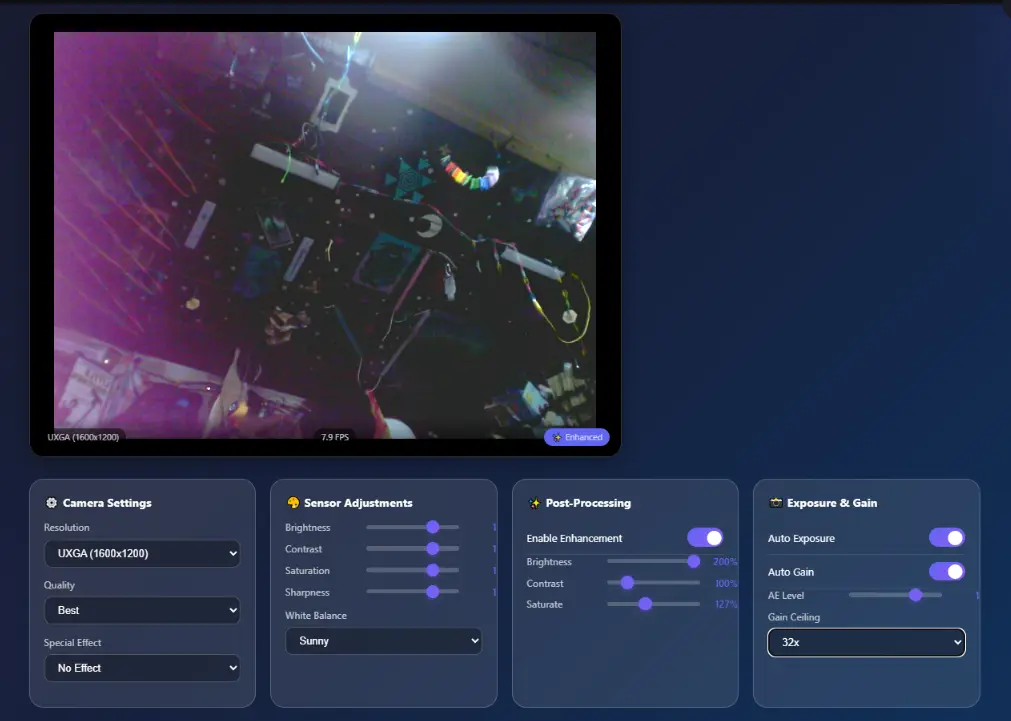
- Resolution selection (QVGA to UXGA)
- Special effects (Negative, Grayscale, Sepia, etc.)
Advanced Post-Processing (Browser-side)
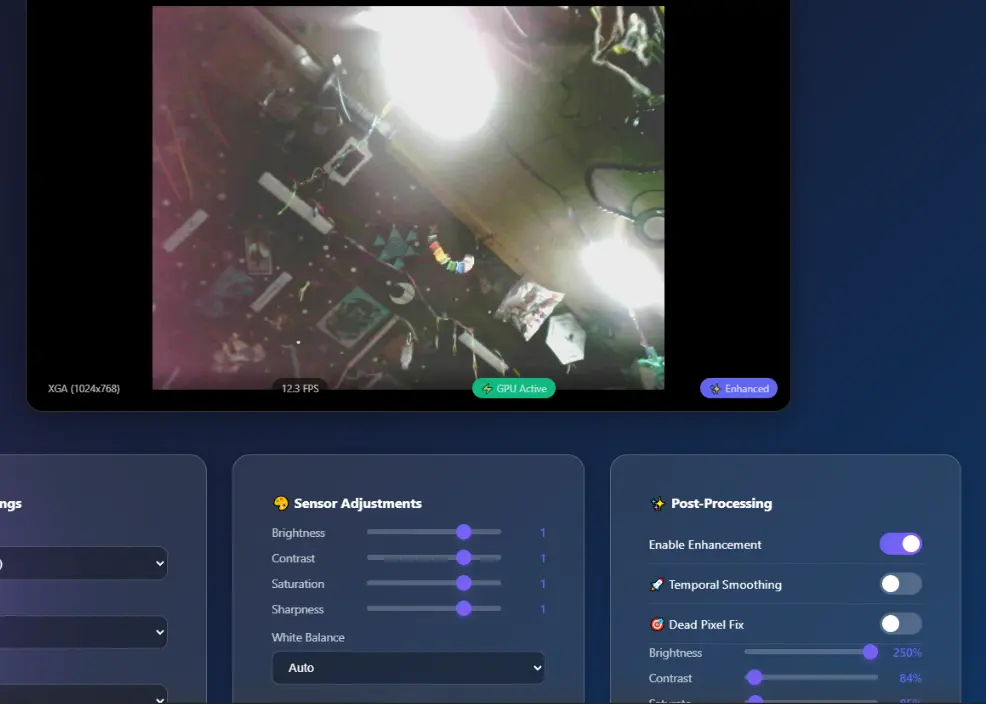
- Dead Pixel Fix (V7) EOptimized cached removal of sensor defects
- Temporal Smoothing EReal-time noise reduction
- Live Enhancements EBrightness, Contrast, and Saturation
- Algorithm selection (Median, Average, Minimum)
- Adjustable detection radius (1-15px)
- Real-time detection map visualization
LED Strip Control
- Power on/off toggle
- LED count configuration (1-300)
- HTML5 color picker
- Brightness slider (0-100%)
The Dead Pixel Fix Algorithm
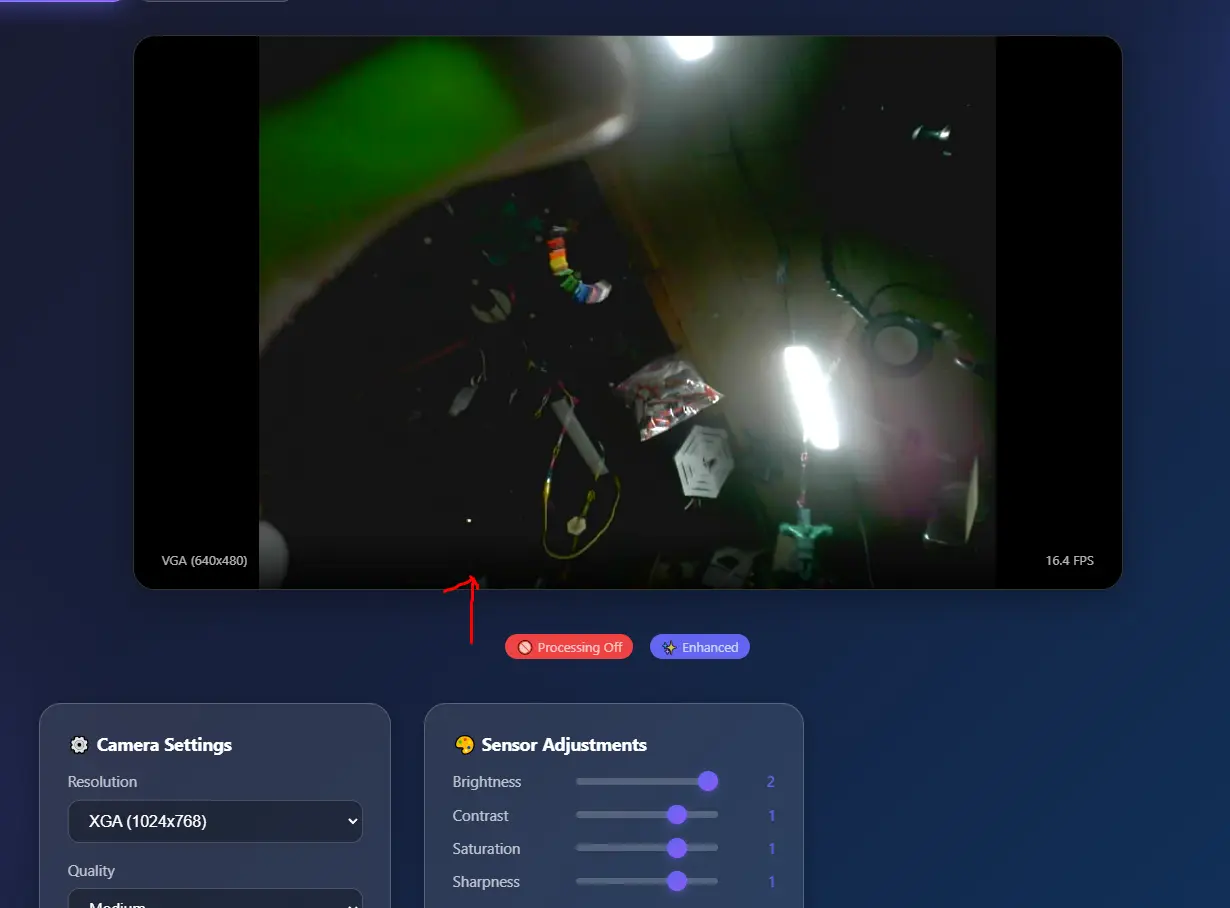
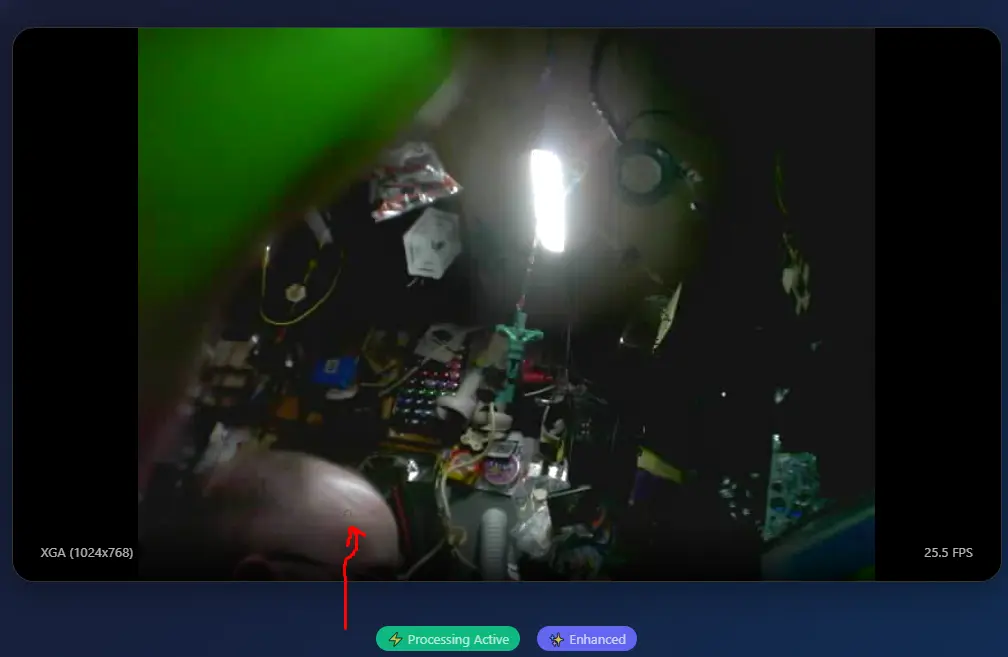
Cheap camera modules—like the OV5640 commonly paired with ESP32-S3 boards—often have manufacturing defects. These "hot pixels" are permanently stuck at a bright color.
The Naive Approach (Why It Fails)
A 640x480 frame has 307,200 pixels. At 30 FPS, scanning every pixel means 9.2 million checks per second. With ~20 operations per pixel, that's 180+ million operations per second. Your browser freezes.
The Evolution: 7 Versions
If brightness > 250, it's dead. Failed Edead pixels aren't always pure white.
Use left/right neighbors for column defects. Failed Eour defect was a 2x2 cluster.
Compare to 8 immediate neighbors. Failed EJPEG compression creates a "halo" around bright pixels.
Sample pixels 2px away. Partial success Estill catching halo edges.
Sample 8 neighbors at 4px, use median. Visual success! But performance destroyed.
Key insight: Dead pixels don't move. Scan once, cache coordinates, fix only cached spots. 6,000x performance improvement.
Full UI with algorithm selection, radius control, detection map, and recalibration.
The Final Solution
- Scan once EOn first frame, find all outlier pixels and cache their (x, y) coordinates.
- Fix forever EEvery subsequent frame, only process the ~10-50 cached pixels.
- O(1) complexity EProcessing time is constant regardless of image size.
Why O(1) Matters
Imagine you're a librarian asked to find typos in a book:
- O(n): Read every word, every time. 100,000 words = 100,000 reads.
- O(1): Read once, write down page numbers on a sticky note. Future requests? Just look at the note.
For video: O(n) means bigger images = slower. O(1) means 640x480 or 4K, same speed.
Thermal Anarchy: Heat Management
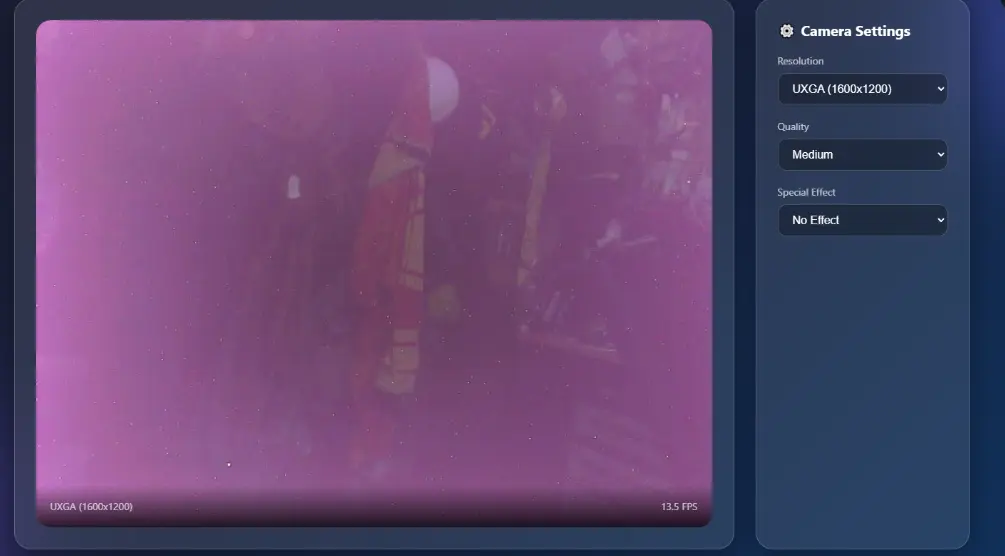
Silicon gets angry when it's hot. The ESP32-S3 and OV5640 are high-performance components squeezed into a tiny footprint. Without intervention, they generate enough heat to cause literal visual corruption.
Hard Lessons in Cooling
These modules are cheap, but their thermal overhead is steep. For stable 24/7 monitoring (like 40-hour 3D prints), active cooling or significant passive heat-sinking is mandatory. Failure to manage heat doesn't just ruin the image—it melts the thin plastic housing and kills the hardware.
In the world of cybernetics, heat is the ultimate enemy of uptime. If you don't sink it, you'll sink with it.
Gallery
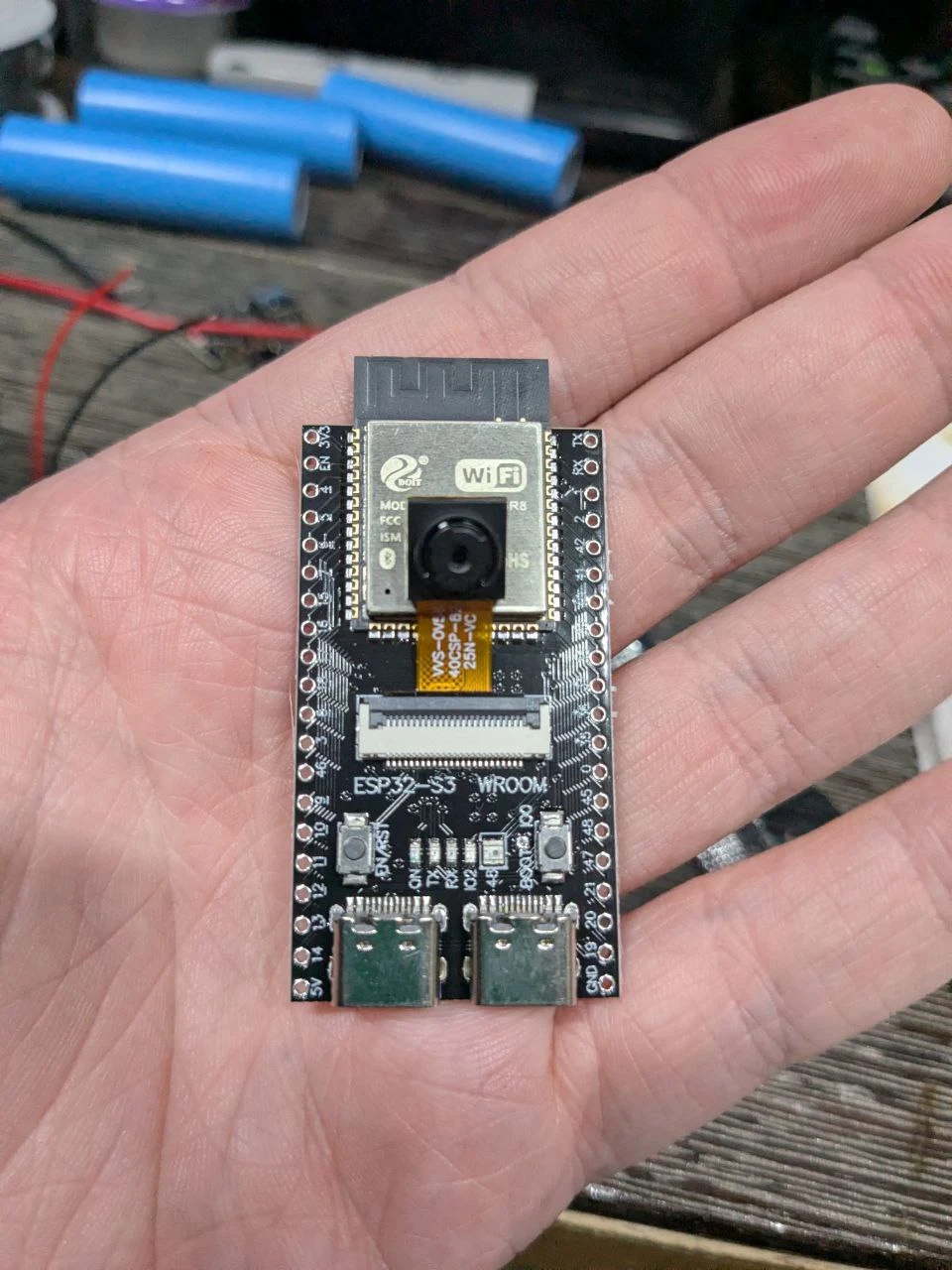
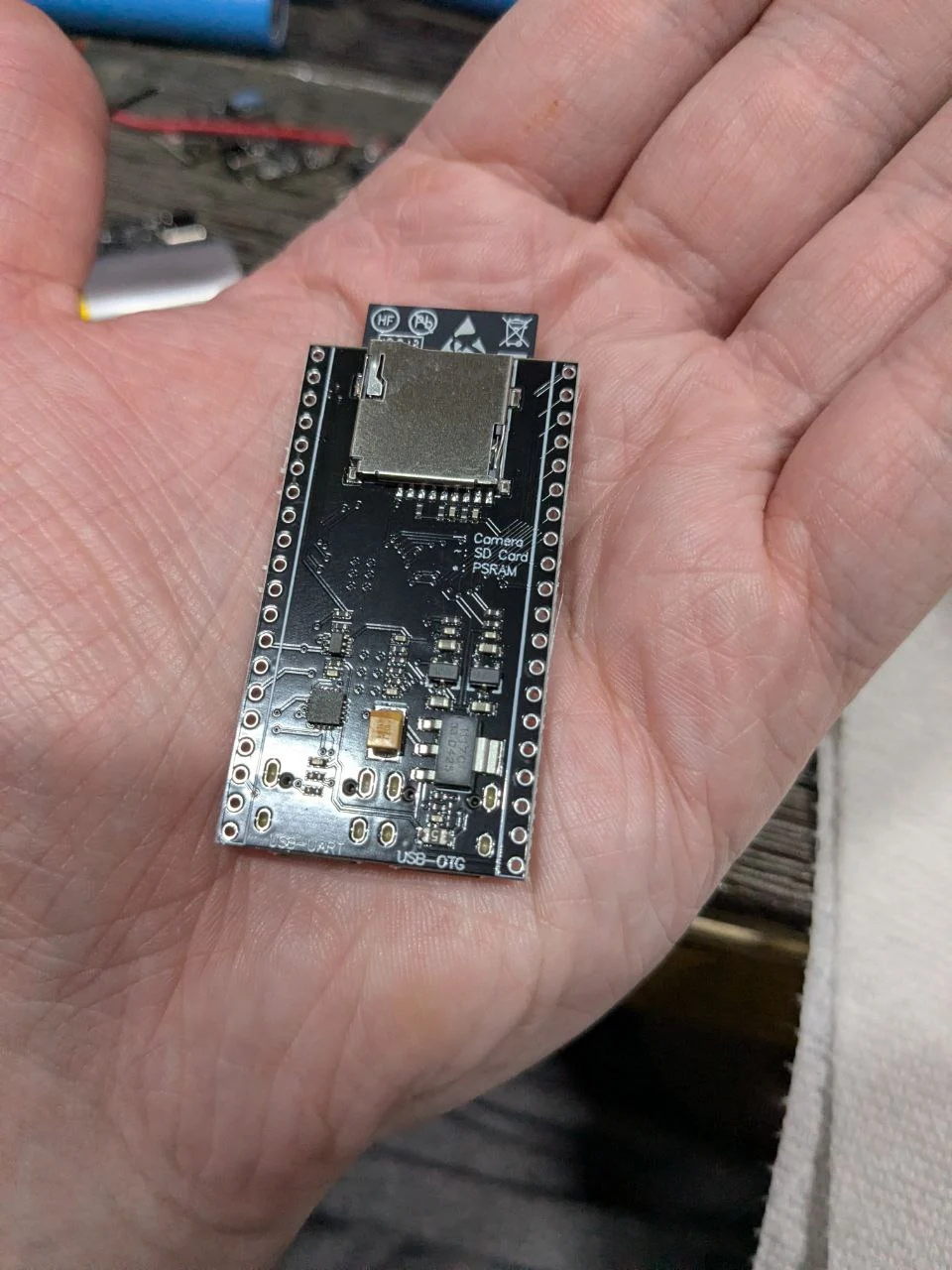
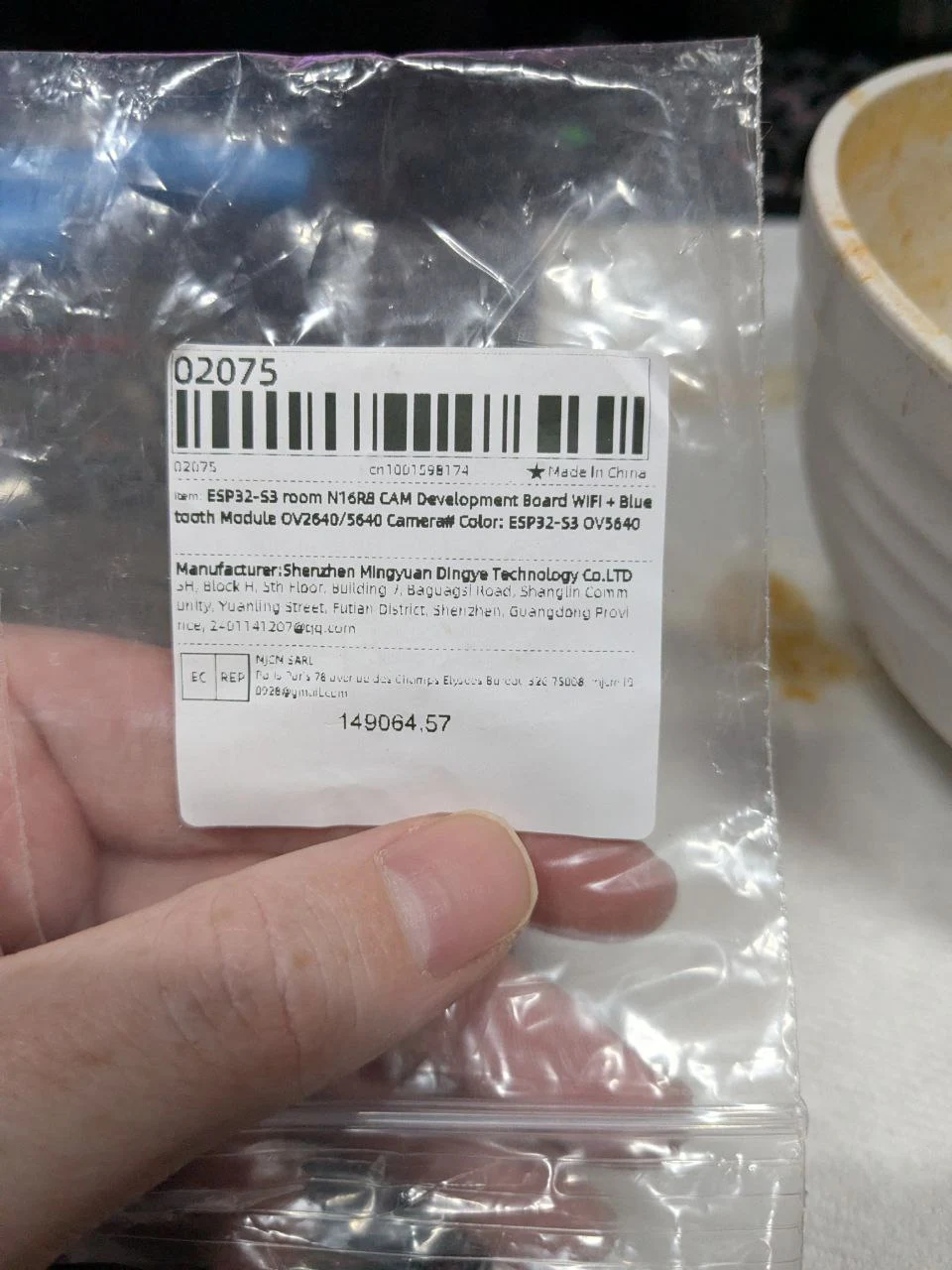
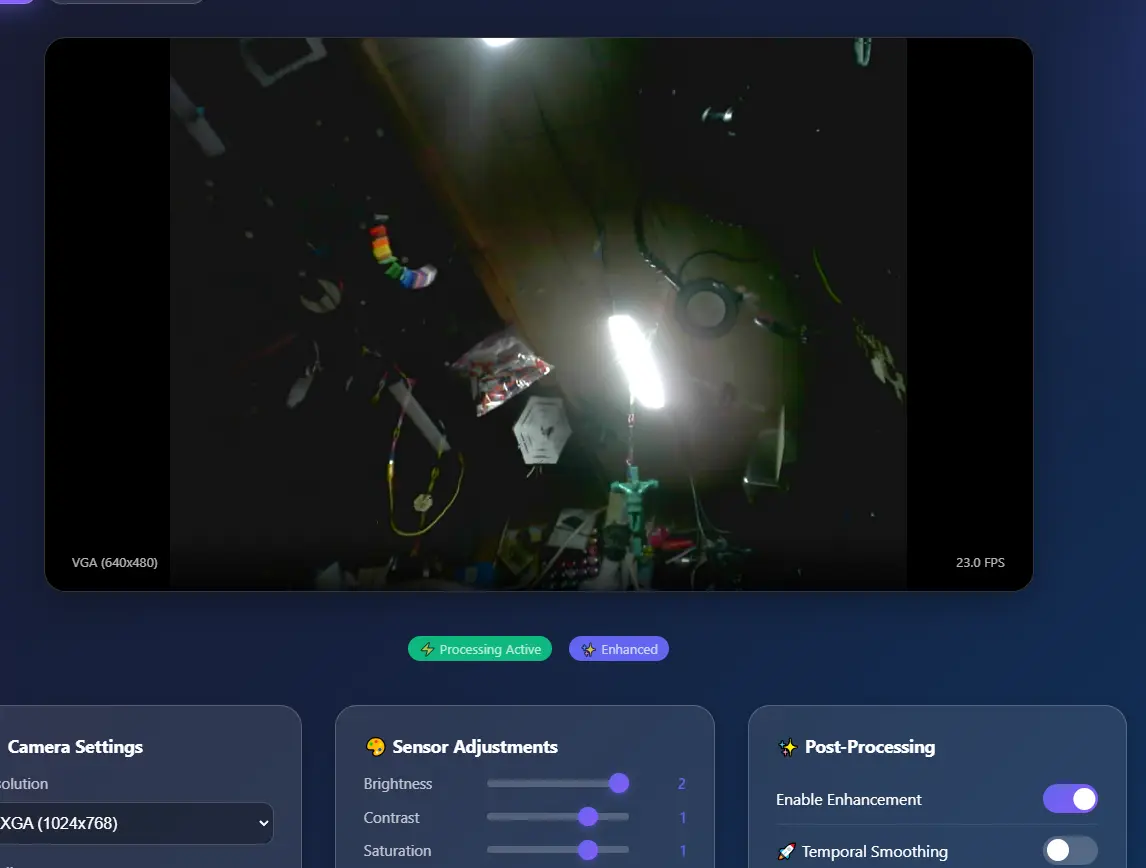
AliExpress Marketplace
Acquire the hardware components used in this project through the links below. Note: Always verify version numbers before purchase.
API Endpoints
| Endpoint | Method | Description |
|---|---|---|
/ |
GET | Main web interface |
/stream |
GET | MJPEG video stream |
/control?var=X&val=Y |
GET | Camera control |
/led/power?state=1/0 |
GET | LED power toggle |
/led/settings?count=X&color=RRGGBB&brightness=Y |
GET | LED settings |
Build & Upload
                        # Using PlatformIO CLI
                        pio run --target upload
                        pio device monitor